
Brian Kenney’s article, Where Reference Fits in the Modern Library, discusses the changing nature of library reference work. Where in the past reference work was more centered on pointing patrons to resources to answer research questions, modern reference work often involves helping patrons navigate technology. Finding approachable and helpful tools to help patrons navigate their digital devices is becoming increasingly important.
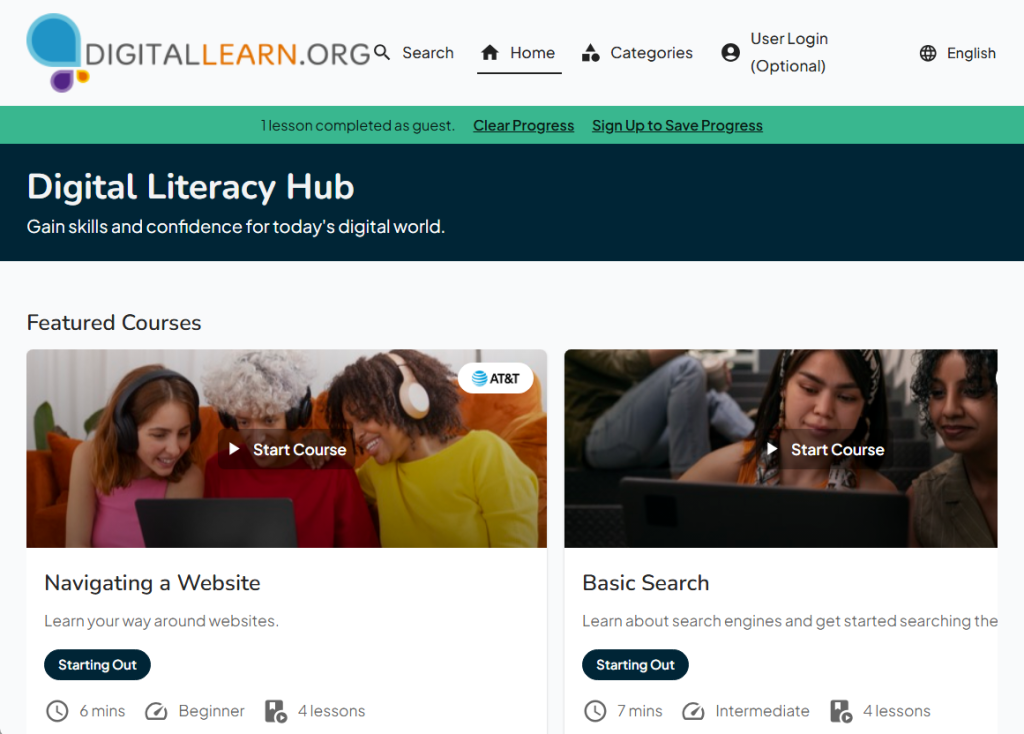
I was super intrigued by the Digital Literacy Hub shared in the Library as Classroom module and wanted to explore it further. The website lists featured courses at the top including navigating a website, basic search, getting started on a computer, intro to email, etc. There is also a popular lessons category on the homepage. Each course is labeled with the length of the course and the difficulty level. There is also an option to browse by one of the following categories: starting out, connecting with others, being safe online, job skills, being productive, and mobile devices.
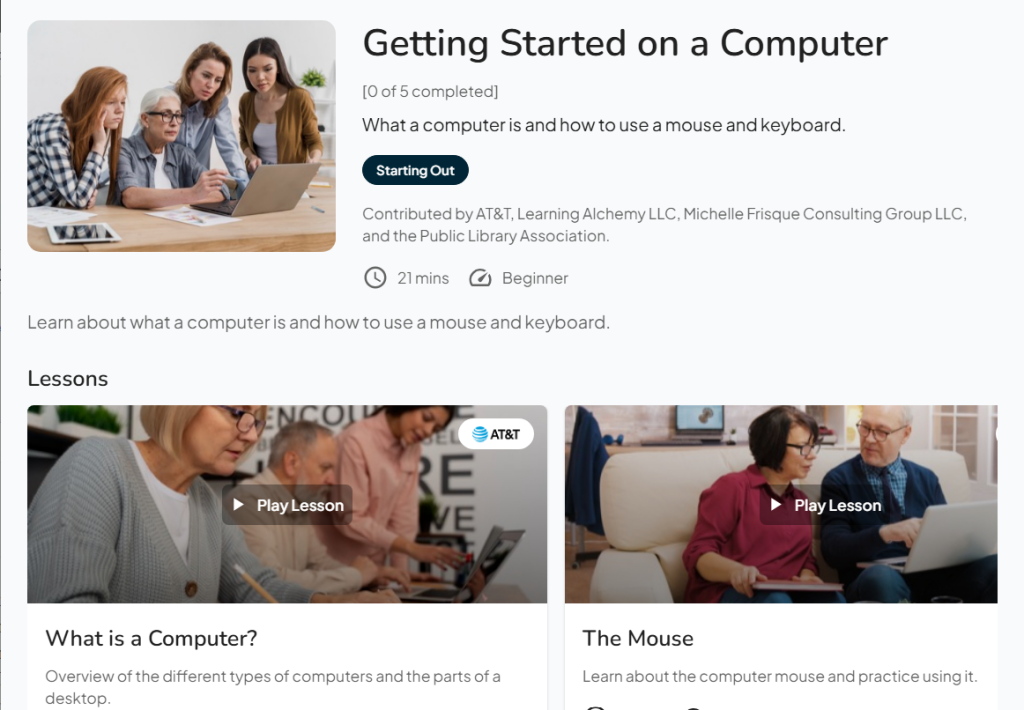
Courses ranged from 6 minutes to 39 minutes. Each course is broken down into shorter lessons making the courses extremely approachable. The audio is clear and each video has captions. The visuals in the video are simple and easily understood. It is easy to navigate between lessons. Overall, this seems to be an extremely helpful resource for individuals looking to improve their digital literacy.
I work at a community college library as a library information technician. Part of my job includes sitting at the front desk and helping students who come in with questions. We have students come in every day for help opening their email, navigating Canvas, or setting up their digital devices. The school’s official policy is employees can’t help students with personal devices unless it is directly related to their classes or homework assignments. However, digital literacy and the ability to navigate digital tools is directly tied to our patrons’ ability to succeed as students. The policy the library has adopted is limiting technology assistance to no more than 15 minute sessions. This allows us to at least get the student started down the right path and to point them to other helpful resources. The Digital Literacy Hub would be a super helpful tool to be able to show our patrons who need a little more technology support.
This video provides a tour of digitallearn.org. The website has since been updated but the tour still provides a good overview of the site. (The embed function seems to not be working, but the link should still work)